
Visual BACnet features four new diagnostic checks!

Optigo Networks' team has been hard at work on version 1.8.8
New features in Visual BACnet

The Optigo Networks team has been hard at work developing new features and diagnostic checks for Visual BACnet! Version 1.8.8, which launched on April 6, puts key summary details at the forefront and introduces four new diagnostic checks.

New features

We’ve put the network health summary on the file screen, so you can see at a glance where packets are showing problems. Simply scroll through, and stop when you see yellow or red!
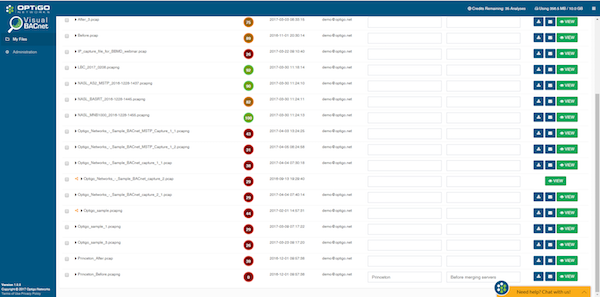
Visual BACnet has new features including four new diagnostic checks

Filtering through frame information just got simpler: when you drill down to the frame, you can now expand and collapse it, just like you can in Wireshark.

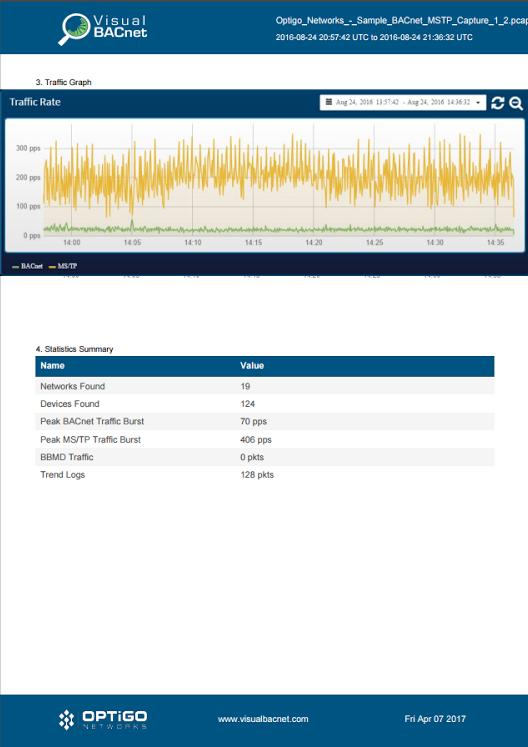
If you’re on a secure site without access to Internet, or need to share a report with a colleague or supervisor, you can still view network patterns and anomalies. We’ve added the traffic graph from the Visual BACnet summary screen to the downloadable PDF report.
Visual-BACnet-Report-Traffic-Graph-460729-edited.pngNew diagnostic checks

There are now four new diagnostic checks, to catch more potential network problems. These new diagnostic checks include the “Reject-To-Networks” stat diagnostic check, amount of ReadProperty, maximum number of networks, and router busy.

1. “Reject-To-Network” statistic diagnostic check

A Reject-Message-To-Network is generated by a router either when it gets a message that it cannot relay to the specified network, or when it receives an unknown network layer message directed specifically to that router. The message will contain a Reject Reason, indicating the source of the issue. The diagnostic check looks at the number of Reject-Message-To-Network packs, and drilling down into it will show you all of the Reject-To-Network messages and the Reject Reason.

2. Amount of ReadProperty

A BACnet device may use the ReadProperty service to ask for the value of a BACnet or non-BACnet object’s property. More importantly, especially in MS/TP networks, ReadProperty requests are commonly used instead of the change of value (COV) notification requests to poll for the value of an object property. This diagnostic check identifies excessive polling done on an object.

3. Maximum number of networks 

All controllers have a set number of networks they can remember.  Anything above that set number of networks requires polling for every command, adding unnecessary traffic. This new diagnostic check flags your system if you have too many networks, and maxes out at 150 networks.

4. Router busy

Router-Busy-To-Network messages are used as congestion control to temporarily stop traffic for one or more specific DNETs. This lack of communication means that busy routers can massively disrupt networks. This diagnostic check identifies any Router-Busy-To-Network messages.

Happy troubleshooting! 

Recent Blog Posts

You’re in the design phase of a new building. Contractors and vendors are all coming at you with demands.

The consulting specifying engineer of today is venturing into totally new territory: Division 25.

If you’re tired of going on site to capture BACnet data, look no further than your JACE.

OT Networks Overview

The latest release from Visual BACnet brings huge convenience and time saving for users with JACE controllers.

Recent Projects

Coventry University

COVENTRY UNIVERSITY

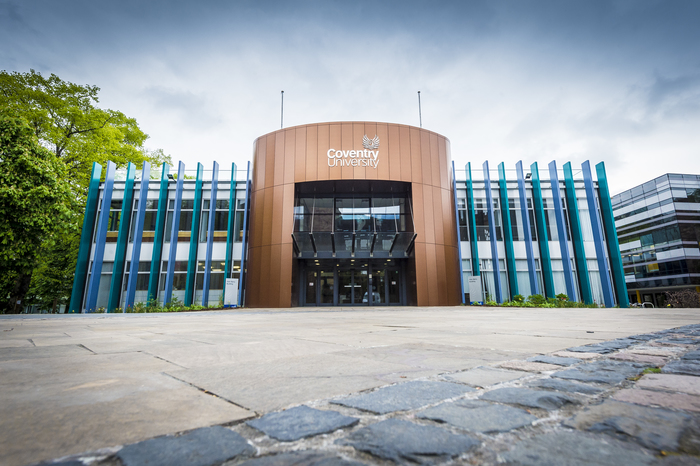
Chris Goodman, the Senior BMS Technician at Coventry University, had broadcast storms that were happening more and more frequently. 

Ongoing construction due to Coventry’s campus expansion meant lots of new activity, with technicians installing new devices and making network changes. Already juggling these constant additions and alterations, Goodman and his small team then had to deal with the subsequent broadcast storms. As the broadcast storms became more frequent, Goodman and his team needed a solution.

Find out how Visual BACnet helped Chris solve the broadcast storms and improve Network Health in our free case study!

Data center expansion with OTI and Optigo Connect

DATA CENTER EXPANSION

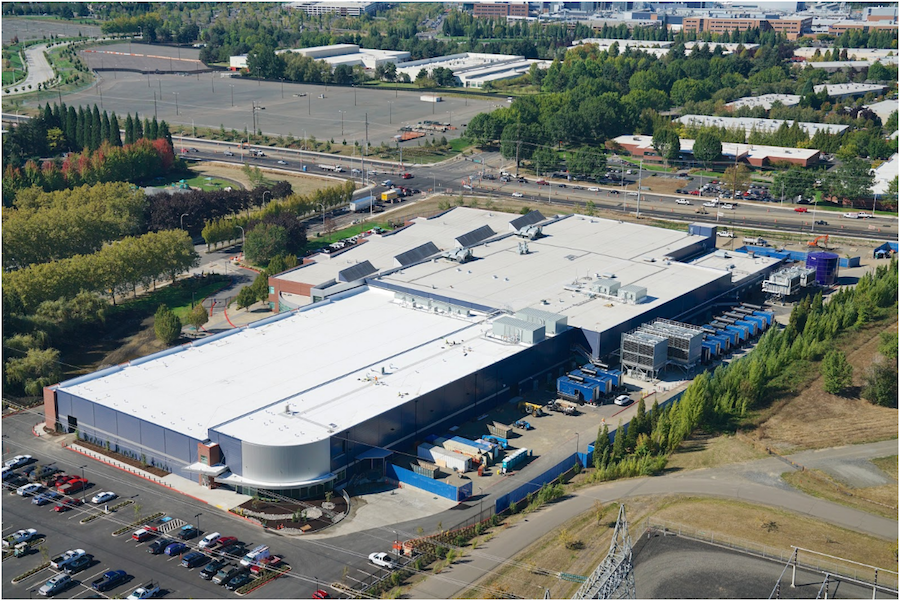
Stack Infrastructure is a portfolio of hyperscale computing data centers. OTI completed work on Phases I and II, and returned for the Phase III build-out of a 4-megawatt data hall and brand new central plant. The Optigo Connect network put in place in Phases I and II was expanded on this project. The team achieved quick roll-out of a large, multi-service redundant network using the Optigo OneView management interface. Going forward, the facility management team can use OneView to remotely monitor equipment, manage power usage, and meet up-time goals.

Optigo Connect MR Soluciones The Landmark

THE LANDMARK

The Landmark is a sophisticated mixed-use high-rise in Mexico. The owners wanted to integrate all OT systems in the skyscraper, while maintaining separate networks for each application. The Landmark is the fourth joint project between Optigo Networks and MR Soluciones. Together, these companies provide robust services to meet any challenge.

Australian Bureau of Statistics at 45 Benjamin Way with Delta Building Automation

45 BENJAMIN WAY

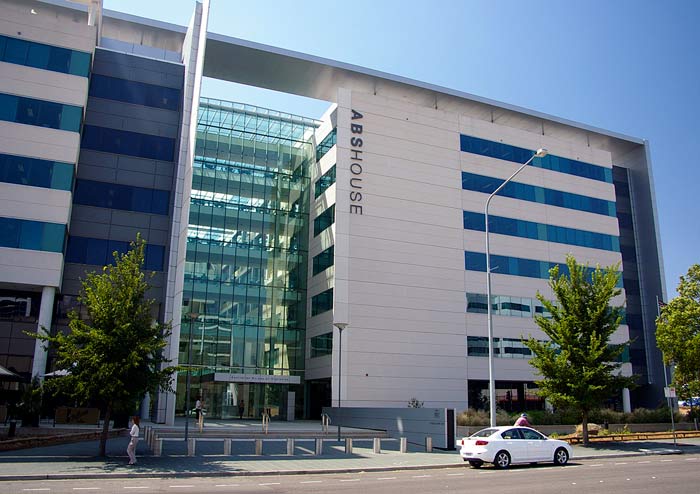
Delta Building Automation (Australia) had a big job renovating the Headquarters for the Australian Bureau of Statistics (ABS) at 45 Benjamin Way. The building owner wanted to improve the building’s energy use and increase their National Australian Built Environment Rating System (NABERS) score to more than 4.5 stars, out of a possible total of six. Securing the network both internally and externally was a big priority, as well.

Penn State University Optigo Networks Visual BACnet

PENN STATE UNIVERSITY

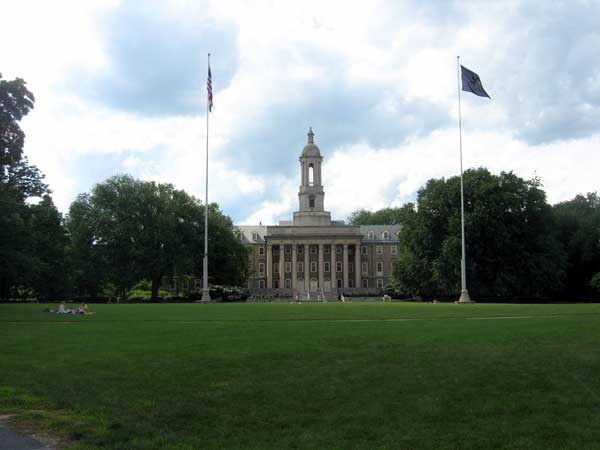
When Tom Walker looked at Penn State University’s Navy Yard network, he saw huge issues. The system was busy and loud, to the point where the overrun network was bringing down the entire building. Because this was happening on the MS/TP network, pinpointing the problem would mean boots on the ground to segment and test the chain, piece by piece.

Penn State University Optigo Networks Visual BACnet

PENN STATE UNIVERSITY

When Tom Walker first started working at Penn State University four years ago, there were a lot of network issues. Buildings were dropping offline. Broadcast traffic was pushing 90,000 packets per hour. Walker was on the phone almost every single night because devices were down or had to be reset.


Torre Manacar Mexico City Optigo Connect

TORRE MANACAR

When MR Soluciones began work on Torre Manacar, they knew they needed a flexible and scalable network infrastructure to support a wide array of integrated systems. Optigo Networks was a natural fit for the massive project, designing a robust network at a competitive cost.

short

SHORT PUMP TOWN CENTER

Short Pump Town Center, an upscale retail center, underwent a complete renovation in 2014. The flexibility of Optigo Networks’ solution meant the retail center’s unknown final design was not a barrier to placing IP surveillance equipment in the field.

BOULEVARD MALL

BOULEVARD MALL

Optigo Networks connected New York-based Boulevard Mall’s security surveillance devices in December 2015, using a Passive Daisy Chain topology.

Visual BACnet tech support team

TECH SUPPORT TEAM

One tech support team at a manufacturer purchased an account with Visual BACnet in April 2017, for technical problems around the world.