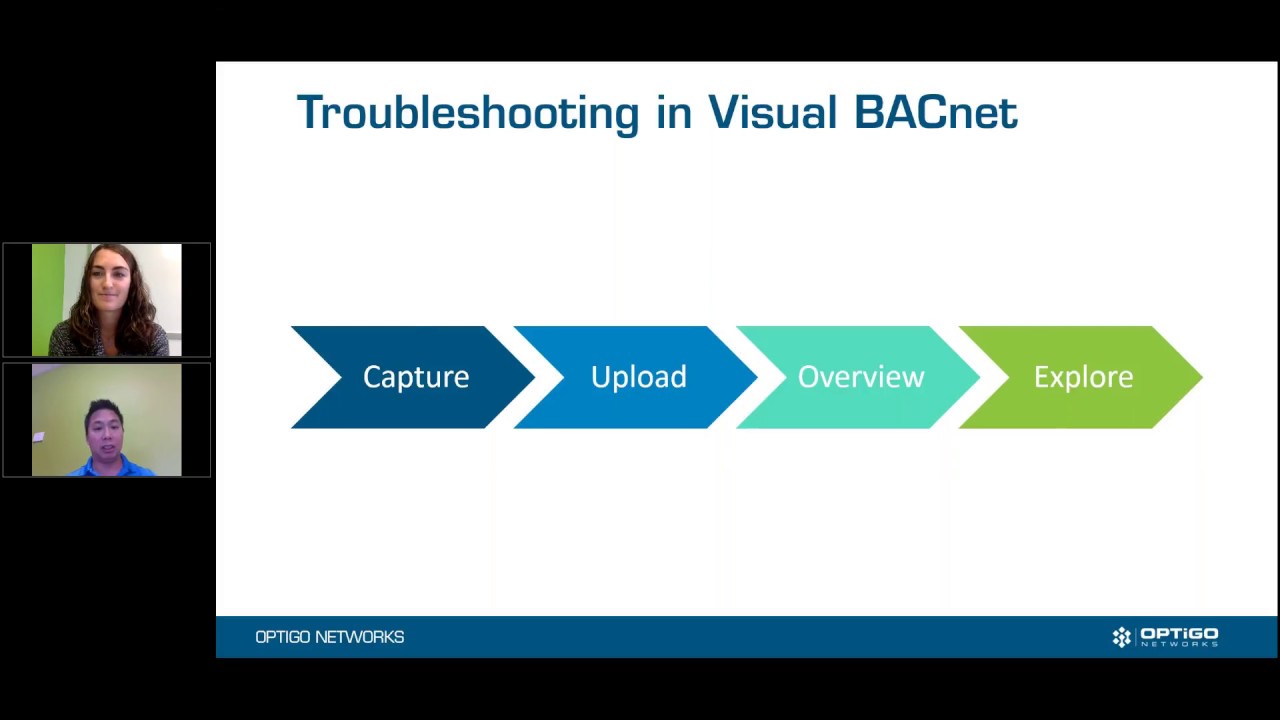
The latest release from Visual BACnet brings huge convenience and time saving for users with JACE controllers. Now, you can capture BACnet data quickly and easily, sending it right from your JACE to Visual BACnet for analysis. There’s no additional hardware required, and no need to send staff on site.
The solution means that anyone with a JACE controller can capture the BACnet traffic they need with ease. All you need is a JACE running Niagara 4; Wireshark, or the Visual BACnet Capture Tool for Windows or Linux; a Visual BACnet account.
This technology allows you to capture BACnet data 100% remotely. If you capture using the Visual BACnet Capture Tool for Windows or Linux, your file will upload directly to Visual BACnet for analysis and diagnosis. You can even schedule or trigger captures remotely using the Windows or Linux Capture Tool, streaming from your JACE to Visual BACnet whenever you need.