HOW TO SPEC INTEGRATED AUTOMATION

BIDDING DIV. 25

Designing and bidding an IoT and Integrated Platform isn’t what it used to be.  Traditional controls contractors used to bid Division 23, and focused only on the building’s HVAC and control systems. Now that most building systems are connected to the Internet, a need for a better understanding of networks and the different network solutions available is crucial to our industry. Integrators and MSIs are now expected to be familiar with bidding Division 25 – Integrated Automation. This change in our industry introduces several challenges, such as:

  • Integrating more systems
  • OT Networks
  • Working with IT
  • Cybersecurity
  • Specification standardization
  • And more

Join us on our webinar with Greg Fitzpatrick, CxA, Business Development IoT and Integration of Cochrane Supply, and Ryan Hughson, Strategic Solutions Manager at Optigo Networks. We’ll walk you through the key issues of bidding on Division 25, and what skills you can and should bring to the table as an integrator.
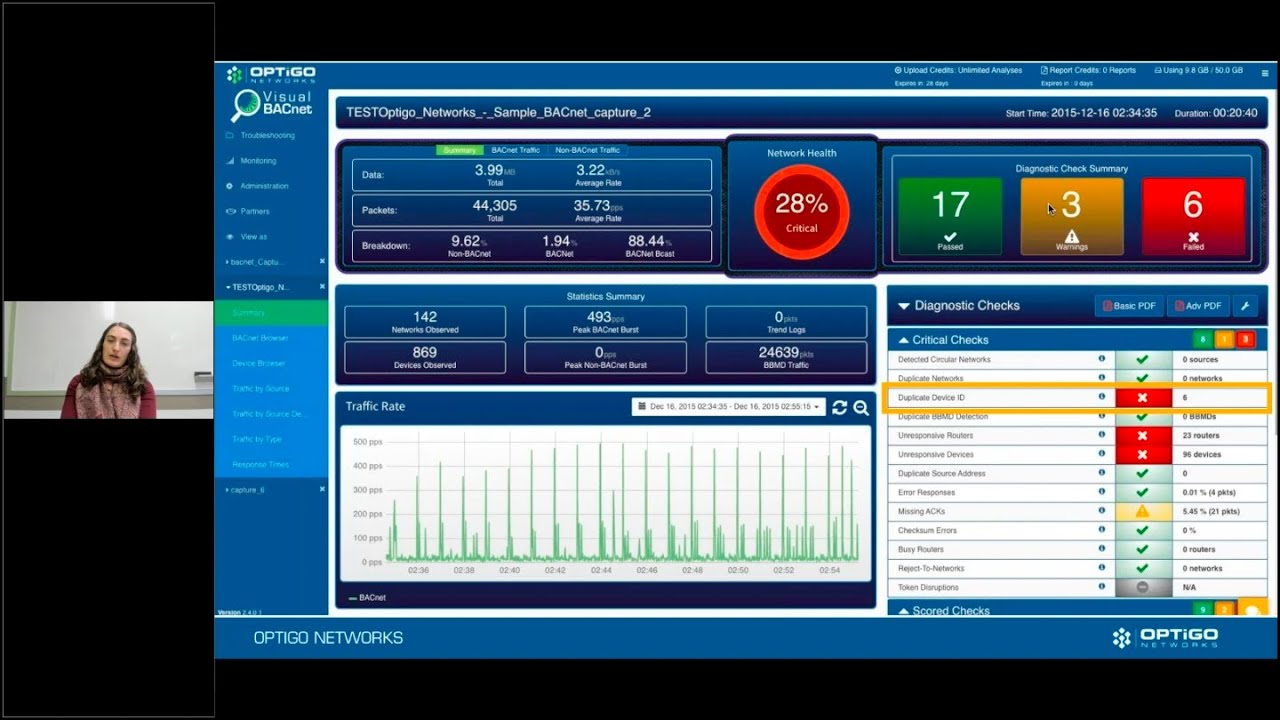
It’s super important to have unique Device IDs on your BACnet system, but duplicates are a very common problem. You might not even realize you have duplicate IDs, with devices only responding periodically.

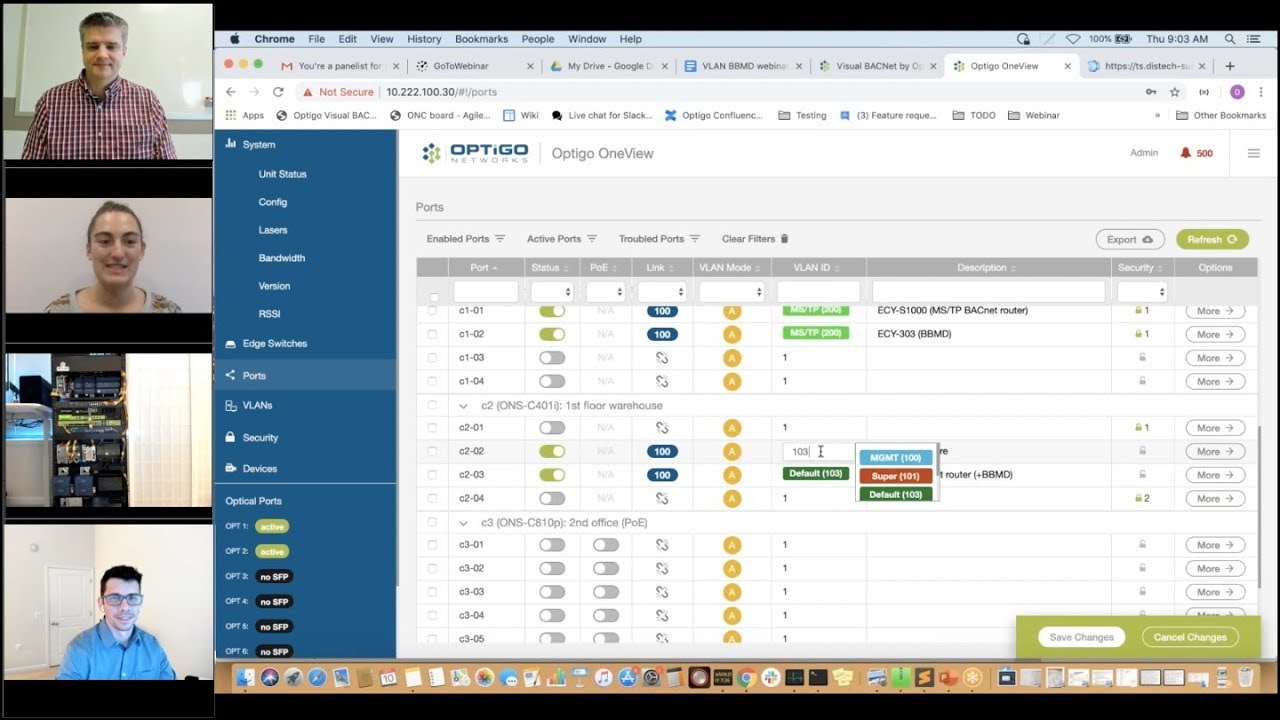
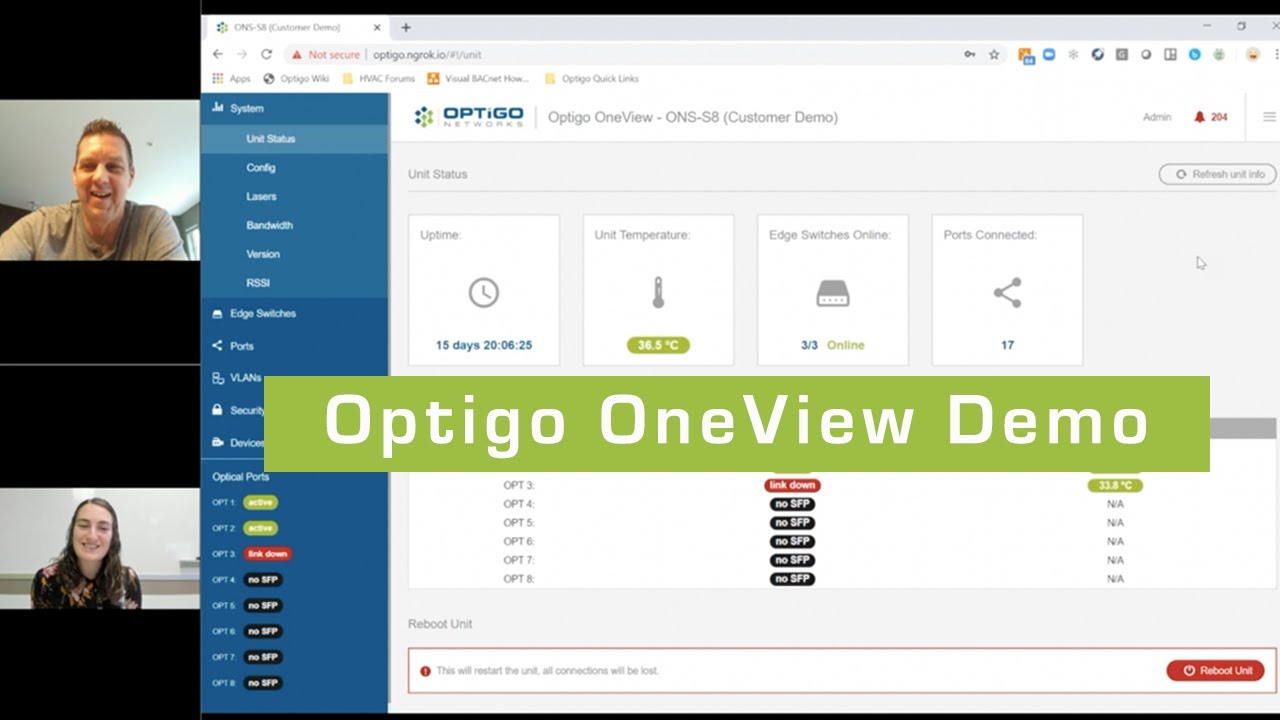
There’s a ton you can do in Optigo OneViewTM, from managing and organizing VLANs, to creating mirror ports and securing the network at the touch of a button.

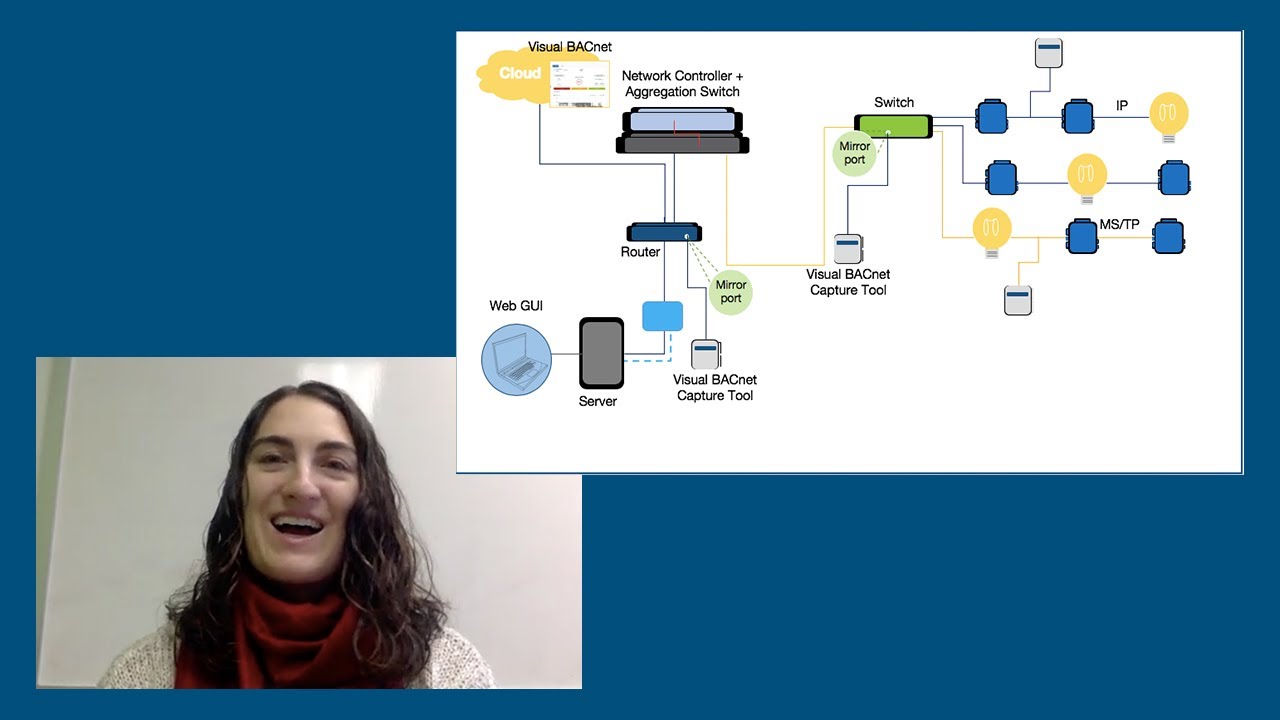
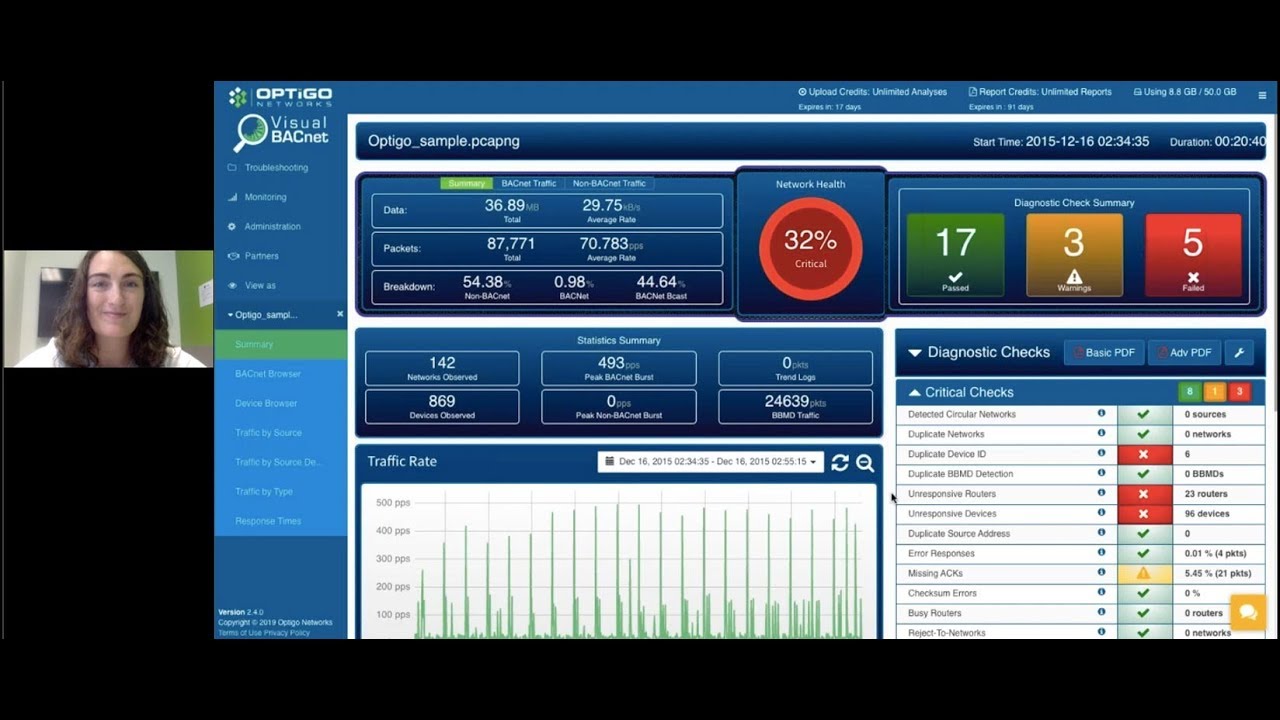
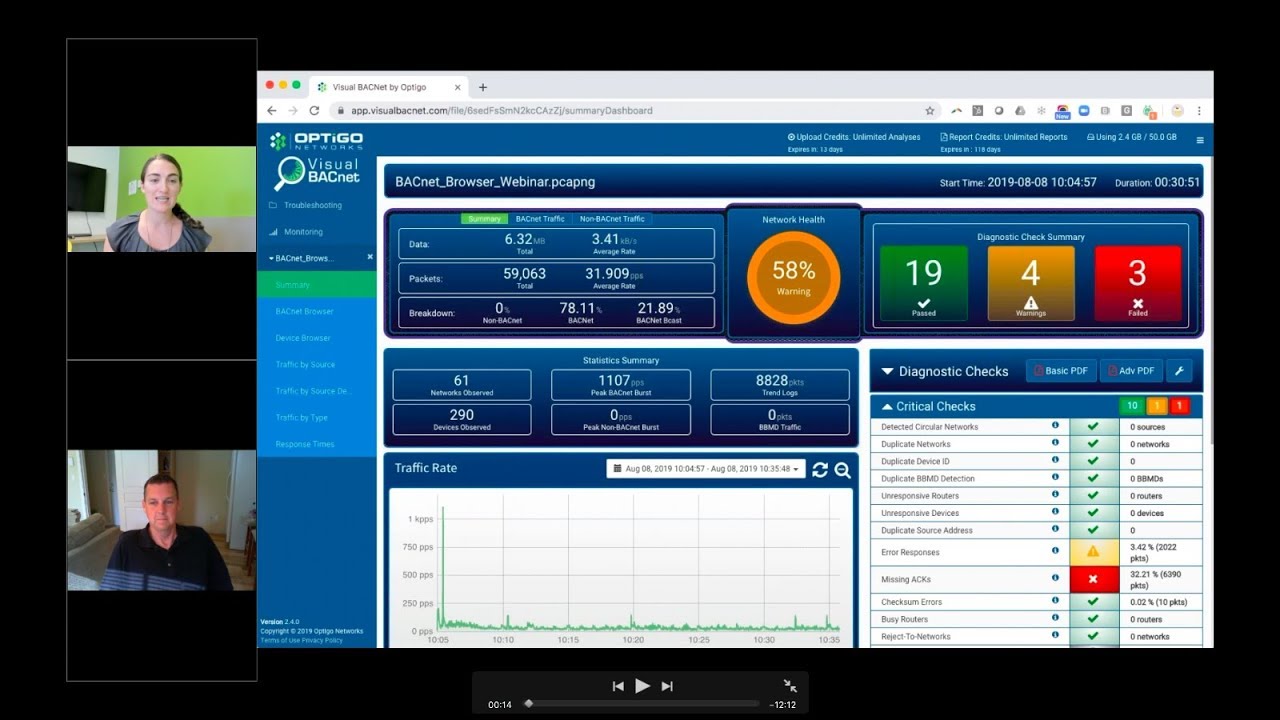
Visual BACnet is a powerful program that removes the guesswork to diagnosing problems on your network. It provides a concrete Network Health Score, highlights key issues, and empowers users to improve their networks over time.

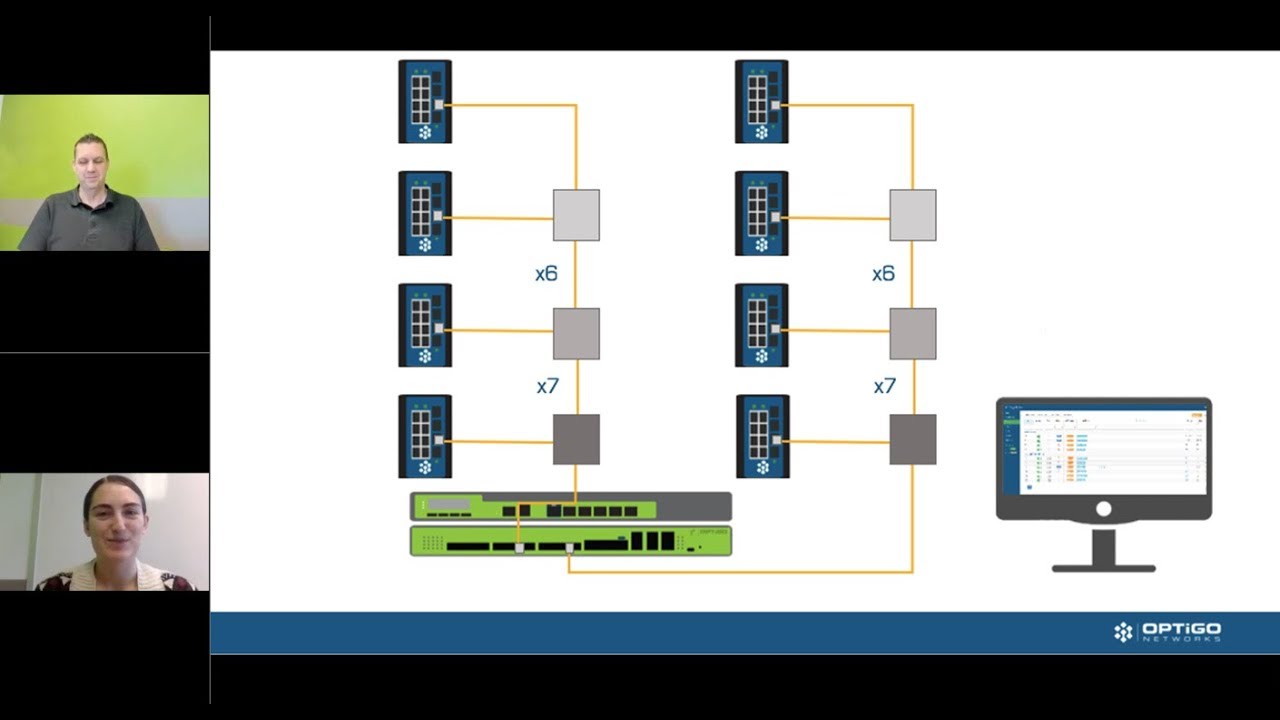
Building a bid with Optigo Connect? Whether you’re designing a network for a big or small building, a new project or retrofit — Optigo Connect Spectra and Hybrid have you covered.

Advanced Reports are a fantastic addition to your service offerings, and a great way to keep your network updates on track. You can use them to:
- Communicate the site’s status with your customer

VLANs and BBMDs seem at complete odds with each other. One is meant to separate and segregate traffic. The other is designed to broadcast messages across the network, without limit for which devices should get what messages.

Unresponsive Devices can cause a lot of unnecessary traffic on an  Operational Technology network, but it can be difficult to pinpoint exactly what’s causing the problem.

The BACnet Browser in Visual BACnet allows you to customize the information you see and isolate the specific packets you need to solve your problem.

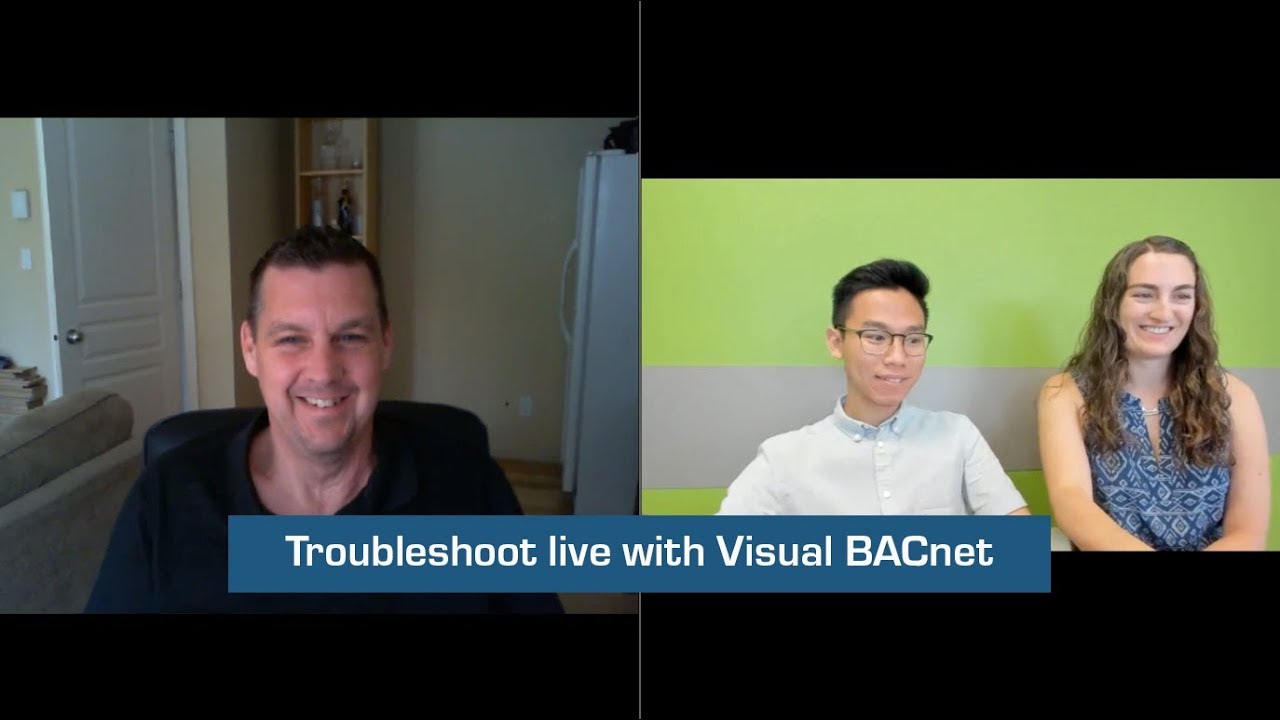
Have a troublesome network and a pcap file, but don’t know where to start with Visual BACnet? Our team of BACnet buffs field a lot questions on the best ways to filter, drill down, and pinpoint problems in Visual BACnet.