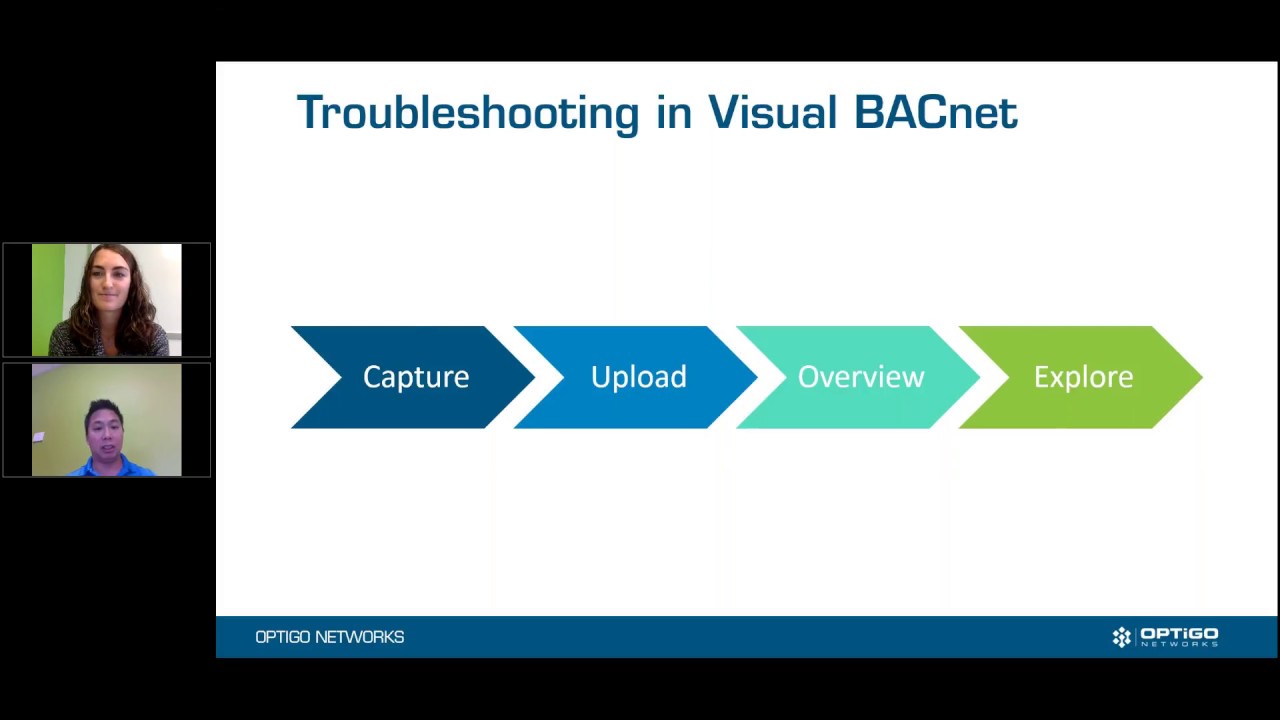
Back by popular demand, we are troubleshooting your pcap files live! Have a troublesome network and a pcap file, but don’t know where to start with Visual BACnet? Our team of BACnet buffs field a lot questions on the best ways to filter, drill down, and pinpoint problems in Visual BACnet. If you need help understanding your files, we’ve got a webinar for you.
Send in your pcaps, and our team of cracker jack analysts will troubleshoot with you on our next webinar, “Learn to Troubleshoot with Visual BACnet”! They’ll help you solve your network issues and show you how to use the diagnostic checks, when the BACnet Browser is your friend, and where to start on a brand new file. Contact us to submit a pcap file (mailto:monica@optigo.net).
Don’t have a pcap file? You can still tune in and learn from other submissions. You’ll learn exactly how to approach your own building networks.
Image: Upcoming - VB Webinar