TROUBLESHOOTING BACNET IN WIRESHARK

TROUBLESHOOTING BACNET IN WIRESHARK

Not sure what is happening in your building network? Dealing with poor network performance? Use Wireshark, a free network packet analyzer, to dig into the network traffic to uncover the root cause of the issue. Wireshark is a free network packet analyzer that helps troubleshooting by capturing network packets and allowing you to browse the network traffic to isolate the issues in a network.

Watch  Pook-Ping Yao’s 25 minute recap of the hour spent with Steve Karg examining how to analyze BACnet communications in Wireshark to identify issues within a Building Automation System. Troubleshooting often has a technician on the hunt for erroneously chatty devices, missing acknowledgements, unanswered Who-Is, duplicate Device-IDs, and other obscure problems in the network. Join this webinar to learn simple checks, filters and tricks to troubleshoot and understand your BACnet building automation system quickly.
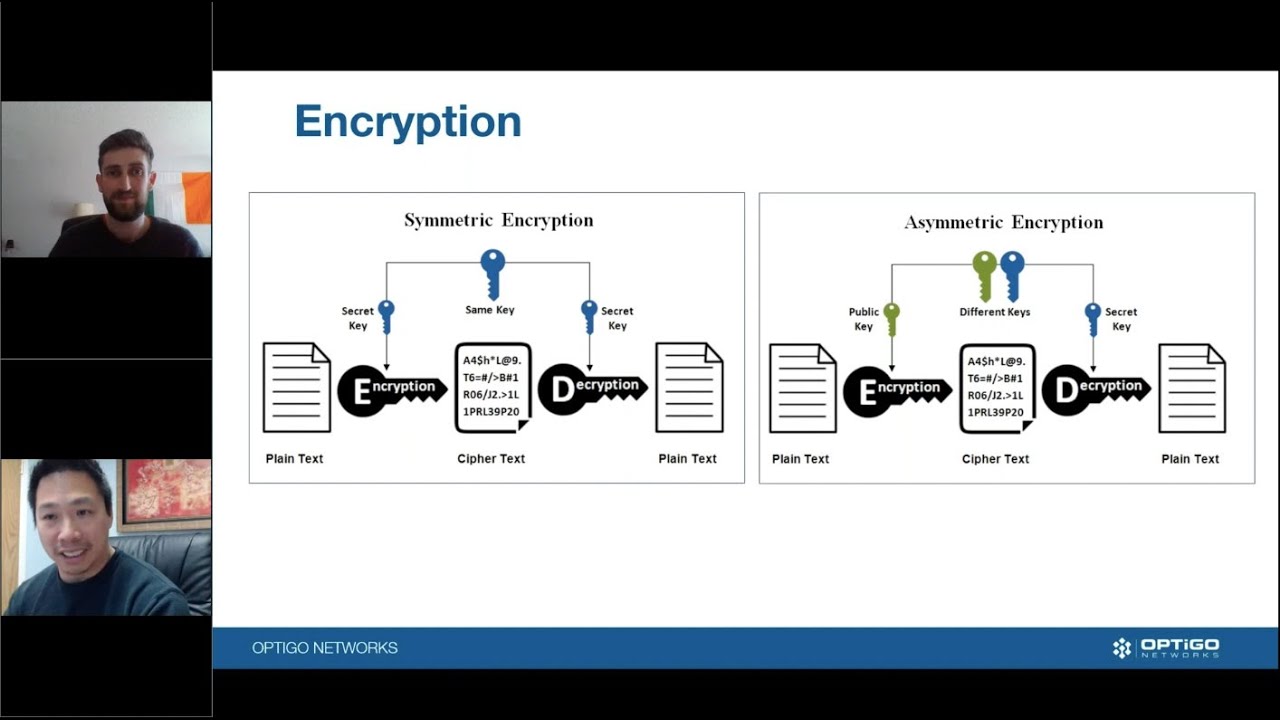
There are many protocols that make up the application layer of an IP network. Learn about some protocols you may have heard about, the roles they play on the application layer, and the importance of encryption.

Understand the Transmission Control Protocol (TCP) and User Datagram Protocol (UDP), and how they facilitate the sending and receiving of messages over IP networks.

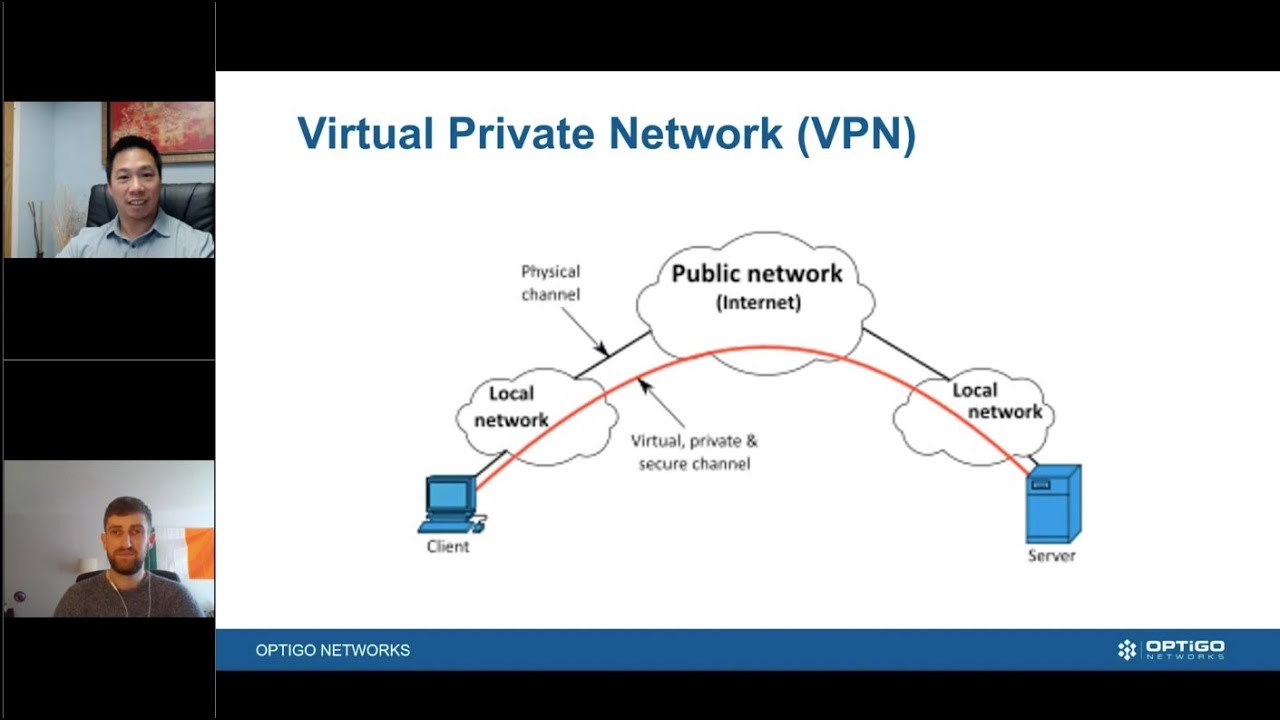
A Virtual Private Network could be described as a “secure, encrypted tunnel,” and it’s a big topic these days as more folks work from home. Find out what a VPN is, and how it works.

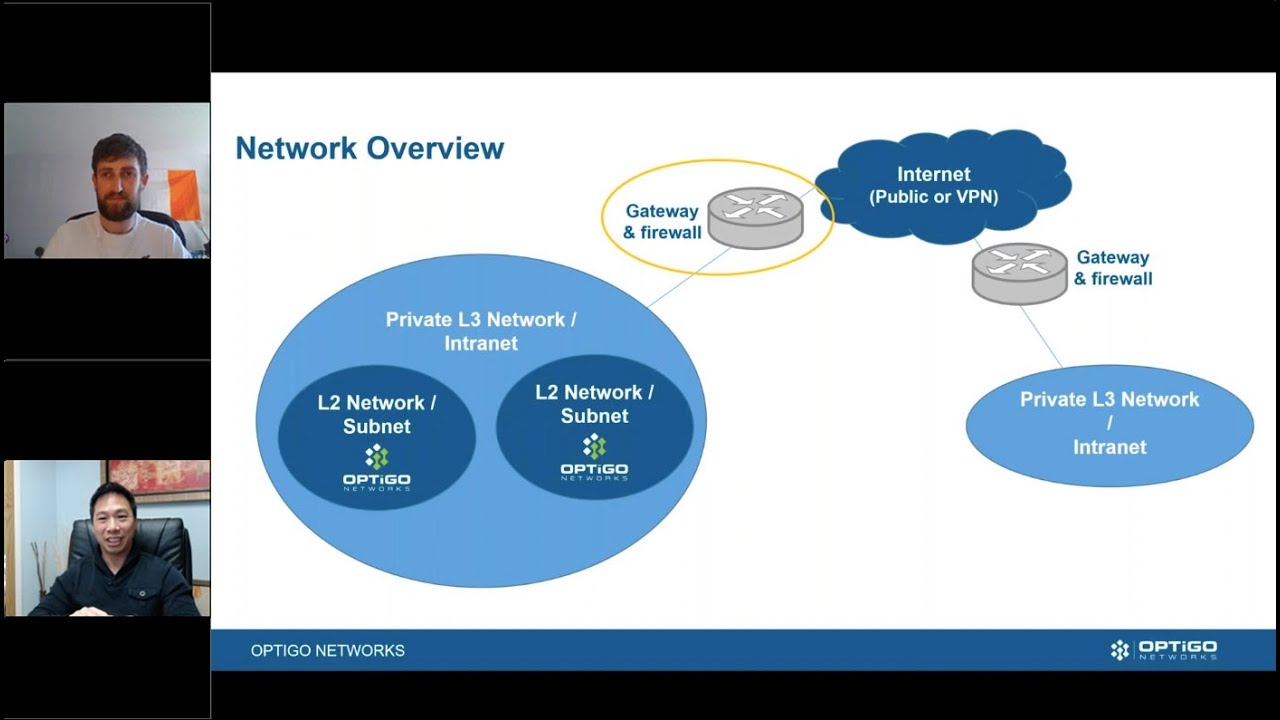
Gateways and firewalls are how we route packets through the network, and permit and block traffic based on certain rules. Learn how gateways and firewalls work to manage traffic connections in the network. 

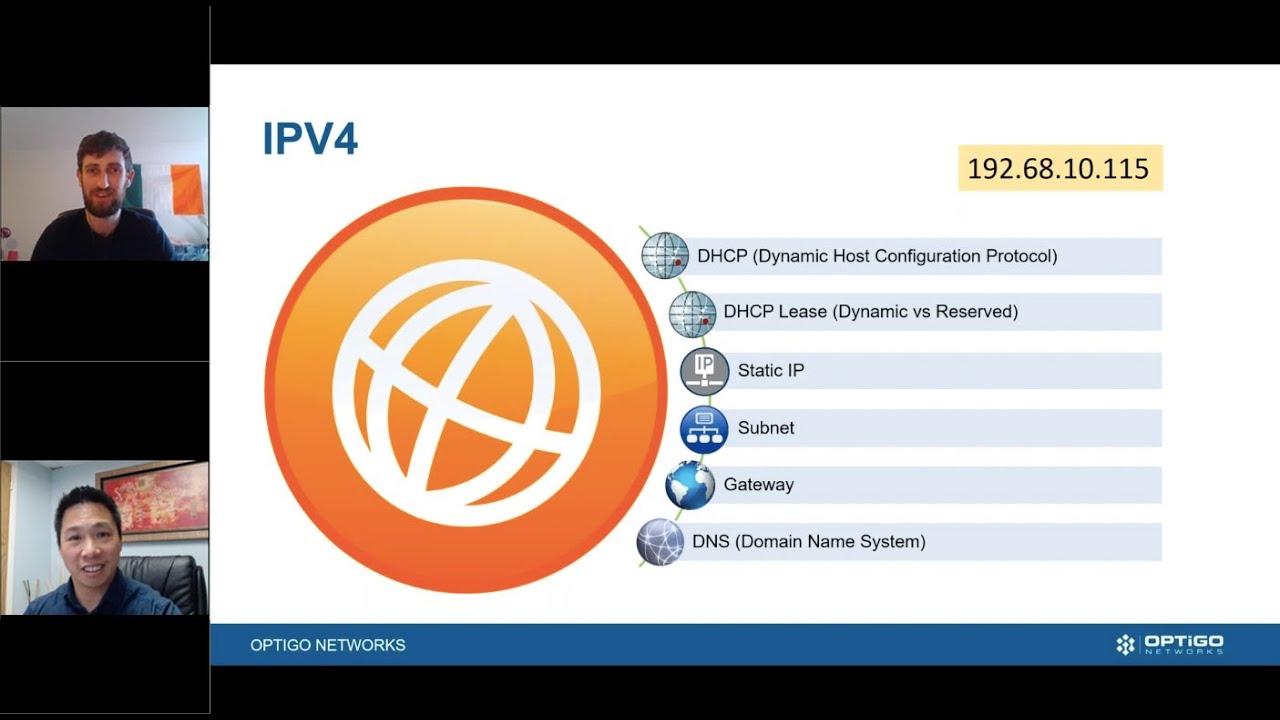
What is an IP address? How does Dynamic Host Configuration Protocol (DHCP) work? And what’s the purpose of a static IP address? We’ll cover all of this as we venture into the world of the Internet.

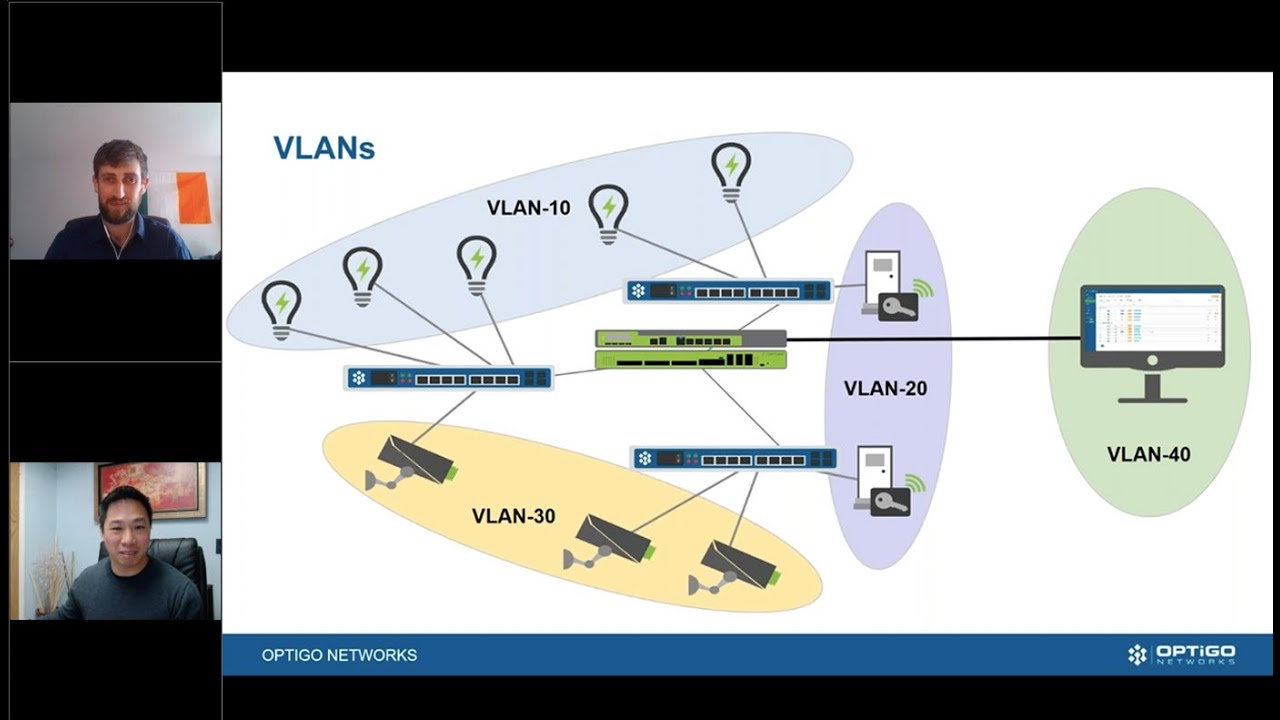
Learn the differences between Virtual Local Access Networks (VLANs) and subnets, and their roles within a network.

Learn about different modes of network access, including Ethernet, Wi-Fi, hotspots, and clients. We’ll explore the pros and cons of each, and their different applications and uses.

Learn about the network layers and their roles. We’ll cover the differences between the OSI and TCP/IP Model, and how these layers form the basic network architecture.

Information Technology (IT) and Operational Technology (OT) are different in a lot of ways, from their design to their maintenance workflows and more.