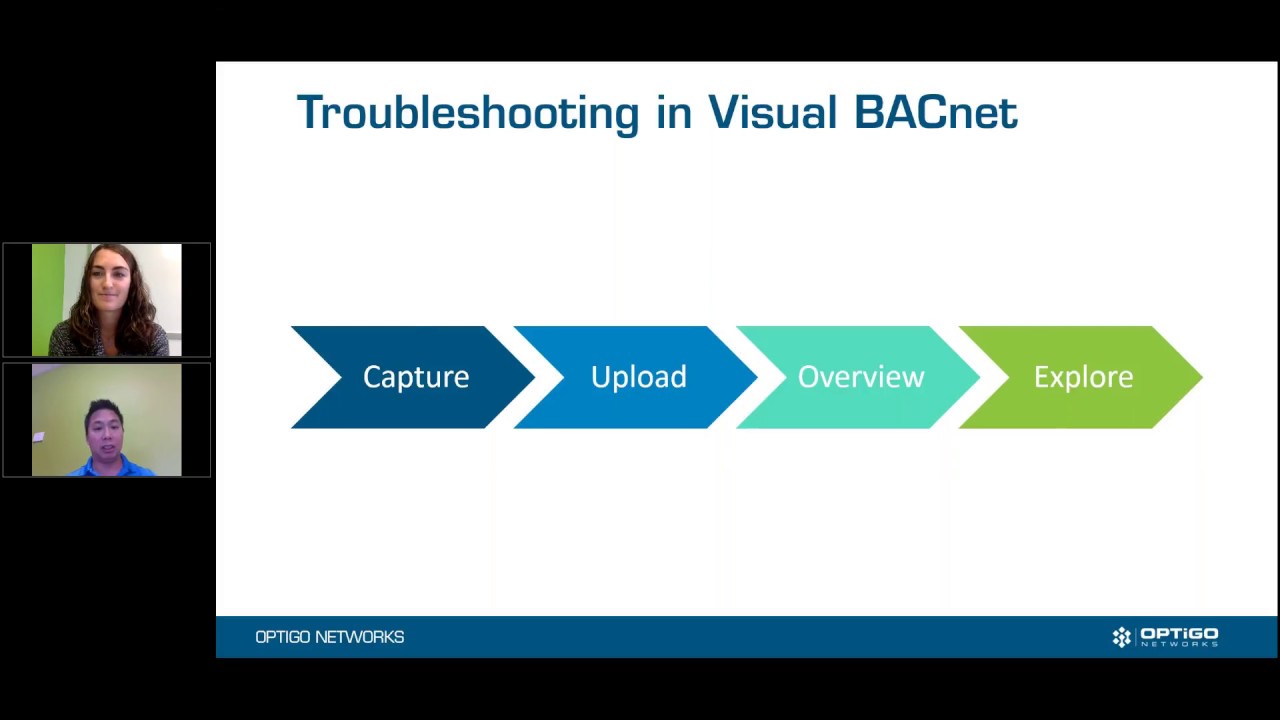
Not sure what is happening in your building network? Dealing with poor network performance? Use Wireshark, a free network packet analyzer, to dig into the network traffic to uncover the root cause of the issue. Wireshark is a free network packet analyzer that helps troubleshooting by capturing network packets and allowing you to browse the network traffic to isolate the issues in a network.
Watch Pook-Ping Yao’s 25 minute recap of the hour spent with Steve Karg examining how to analyze BACnet communications in Wireshark to identify issues within a Building Automation System. Troubleshooting often has a technician on the hunt for erroneously chatty devices, missing acknowledgements, unanswered Who-Is, duplicate Device-IDs, and other obscure problems in the network. Join this webinar to learn simple checks, filters and tricks to troubleshoot and understand your BACnet building automation system quickly.